ET
ET RU
RU FI
FI DE
DE
-
×
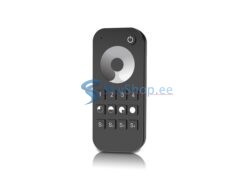
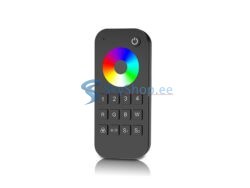
 RC Pult + Controller NEXTEC SKY 8A 12/24V (RC36)
1 × 31.90€ / pcs
RC Pult + Controller NEXTEC SKY 8A 12/24V (RC36)
1 × 31.90€ / pcs
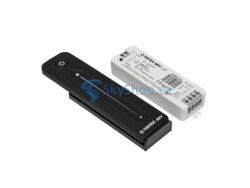 RC Pult + Controller NEXTEC SKY 8A 12/24V (RC36)

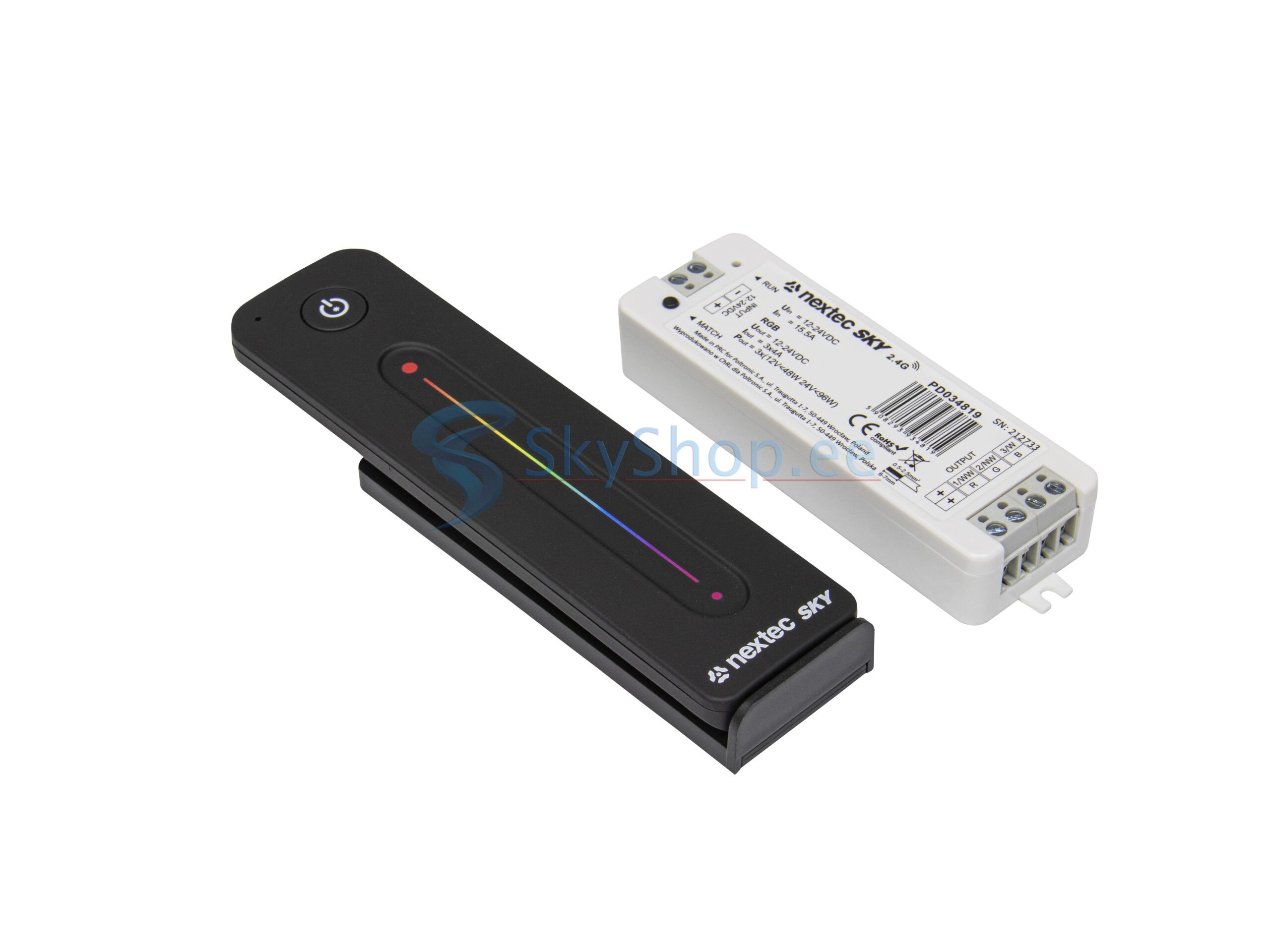
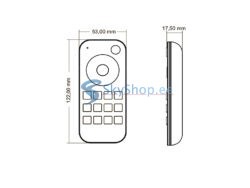
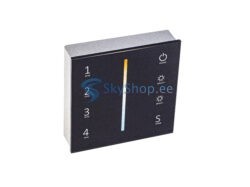
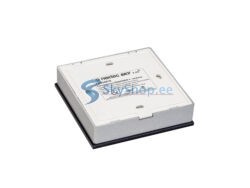
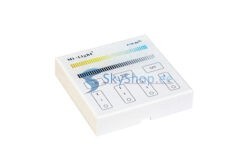
RC Pult + Controller NEXTEC SKY 3x4A 12/24V (RC35)
29.90€ / pcs
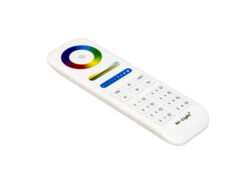
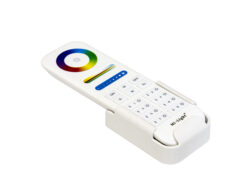
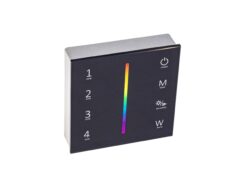
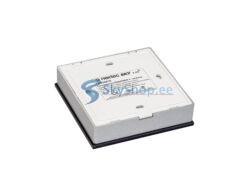
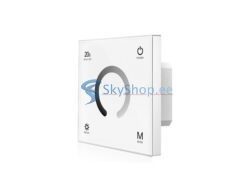
LED controller + radio remote control 3x4A
To control colored LED light sources
In stock
Categories: LED light control, NEXTEC, Remotes and control panels

- System: Nextec SKY 2.4G
- Smooth brightness change, no flicker visible to the eye
- Has built-in lighting effects programs
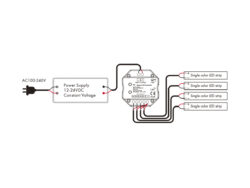
How to connect:
- Apply power to the controller, the RUN LED on it will light up
- Briefly press the MATCH button LED will flash slowly
- Press the button of the assigned zone on the remote control or panel (for single-zone remotes, press any button)
- Faster flashing of the LED confirms successful binding
- To reset the binding, press and hold the MATCH button for 5 seconds
- To reset to factory settings, press and hold the MATCH button for 10 seconds
Important! Before installing the equipment, we recommend that you make a test connection of the system.
When connecting, be guided by the marking of the contacts.
The power of the power supply and the controller should be 20-30% more than the total power of the connected load.
| Power | 12V-48W, 24V-96W |
|---|---|
| Ток | 3x4A |
| Voltage | 12/24V |
| Control distance | 30m |
| Color | RGB (red, green, blue) |
| Product color | Black |
You may also like…
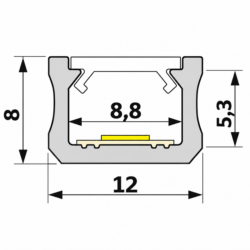
LED aluminium profiles
16.90€ / pcs
This product has multiple variants. The options may be chosen on the product page
Related products