
 ET
ET RU
RU FI
FI DE
DE
-
×
 LUCA COB LED Strip FREE CUT CCT 2700K–6500K 16W/m IP20 480lm/m (LS18)
1 × 10.79€ / pcs
LUCA COB LED Strip FREE CUT CCT 2700K–6500K 16W/m IP20 480lm/m (LS18)
1 × 10.79€ / pcs -
×
 Power Supply 60W 5A 12V IP20 (PS48)
1 × 14.90€ / pcs
Power Supply 60W 5A 12V IP20 (PS48)
1 × 14.90€ / pcs -
×
Black Surface-Mounted Light Fixture (ST22)
1 × 21.90€ / pcs
-
×
Surface mounted luminaire Strühm MEGAN DWL (ST3)
1 × 11.90€ / pcs
-
×
 SkyfiX Clamp for Aligning and Fixing Joints (SF1)
1 × 1.99€ / pcs
SkyfiX Clamp for Aligning and Fixing Joints (SF1)
1 × 1.99€ / pcs -
×
LED Lamp GU10 LEDURO 7W 3000K (LL46)
1 × 3.89€ / pcs
-
×
Alumiiniumprofiil kontuurvalgustusega pinglaele (AL4)
1 × 8.90€ / pcs
-
×
LUCA COB LED Strip 10 mm 3000K 15W/m 528 COB/m 24V IP20 1528 lm/m (LS16)
1 × 6.49€ / pcs
-
×
LED Lamp 2700K 2W E14 (LL31)
1 × 1.99€ / pcs
-
×
 Smart Panel Remote Controller Mi Light 8 Zones RGB + CCT (RNS18)
1 × 39.90€ / pcs
Smart Panel Remote Controller Mi Light 8 Zones RGB + CCT (RNS18)
1 × 39.90€ / pcs
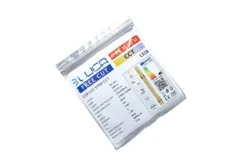 LUCA COB LED Strip FREE CUT CCT 2700K–6500K 16W/m IP20 480lm/m (LS18)
 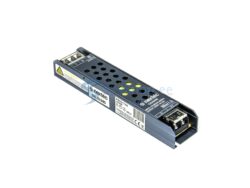 Power Supply 60W 5A 12V IP20 (PS48)
 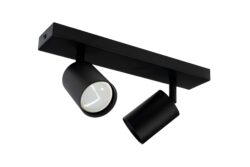 Black Surface-Mounted Light Fixture (ST22)
 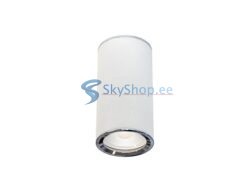 Surface mounted luminaire Strühm MEGAN DWL (ST3)
 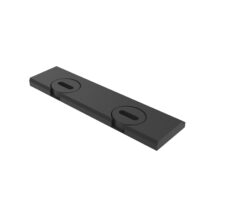 SkyfiX Clamp for Aligning and Fixing Joints (SF1)
 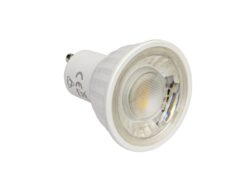 LED Lamp GU10 LEDURO 7W 3000K (LL46)
 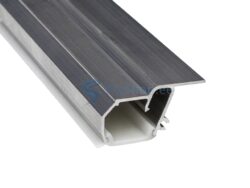 Alumiiniumprofiil kontuurvalgustusega pinglaele (AL4)
  LUCA COB LED Strip 10 mm 3000K 15W/m 528 COB/m 24V IP20 1528 lm/m (LS16)
 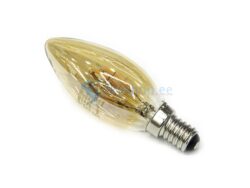 LED Lamp 2700K 2W E14 (LL31)
 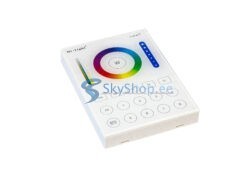 Smart Panel Remote Controller Mi Light 8 Zones RGB + CCT (RNS18)

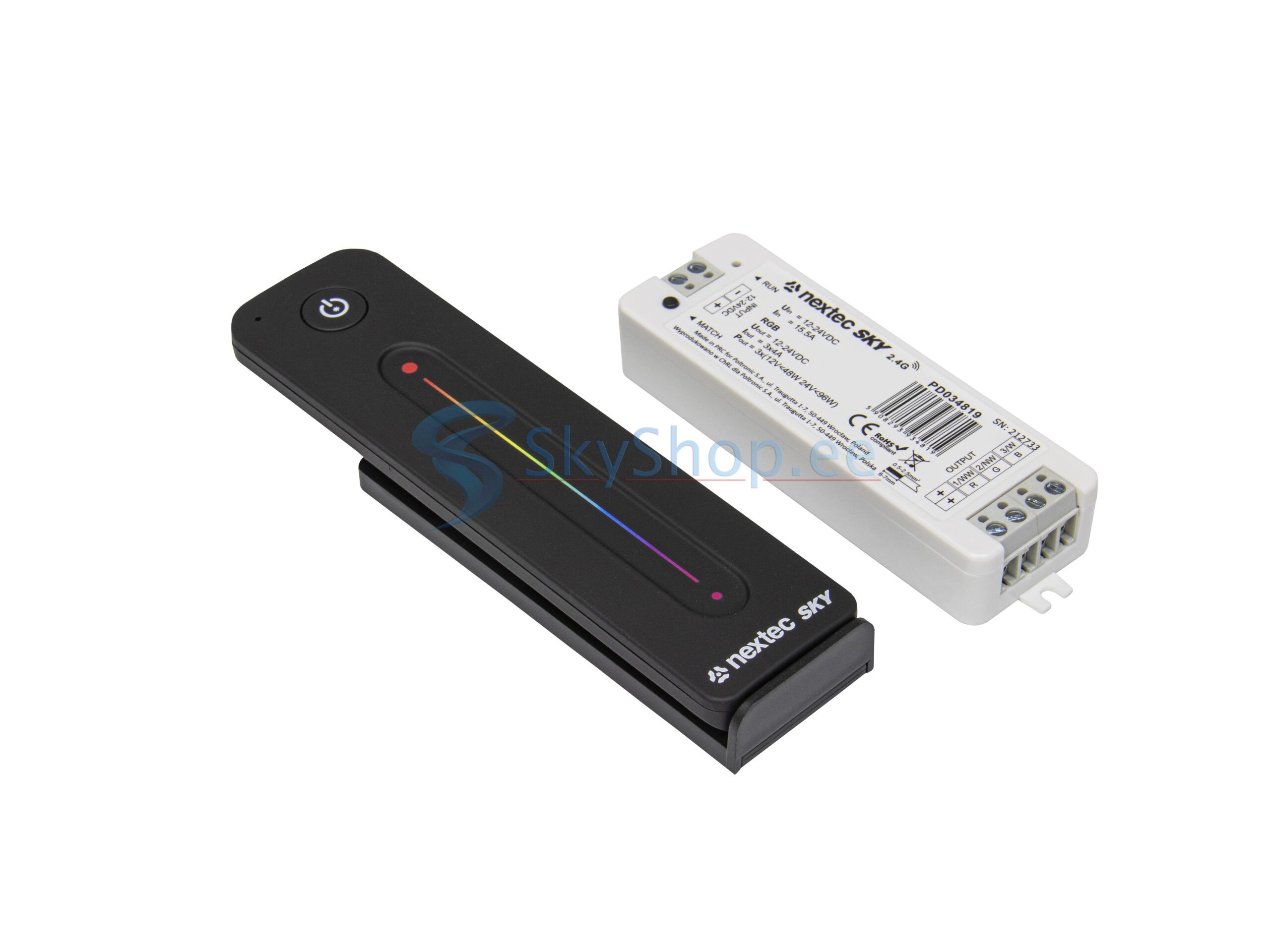
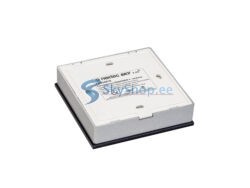
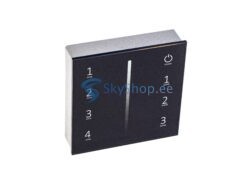
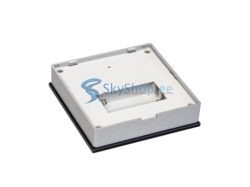
RC Pult + Controller NEXTEC SKY 3x4A 12/24V (RC35)
29.90€ / pcs
LED controller + radio remote control 3x4A
To control colored LED light sources
In stock
Categories: LED light control, NEXTEC, Remotes and control panels

- System: Nextec SKY 2.4G
- Smooth brightness change, no flicker visible to the eye
- Has built-in lighting effects programs
How to connect:
- Apply power to the controller, the RUN LED on it will light up
- Briefly press the MATCH button LED will flash slowly
- Press the button of the assigned zone on the remote control or panel (for single-zone remotes, press any button)
- Faster flashing of the LED confirms successful binding
- To reset the binding, press and hold the MATCH button for 5 seconds
- To reset to factory settings, press and hold the MATCH button for 10 seconds
Important! Before installing the equipment, we recommend that you make a test connection of the system.
When connecting, be guided by the marking of the contacts.
The power of the power supply and the controller should be 20-30% more than the total power of the connected load.
| Power | 12V-48W, 24V-96W |
|---|---|
| Ток | 3x4A |
| Voltage | 12/24V |
| Control distance | 30m |
| Color | RGB (red, green, blue) |
| Product color | Black |
You may also like…
-100%
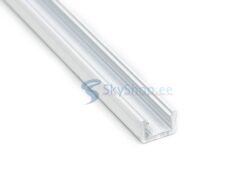
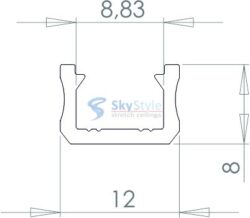
LED aluminium profiles
Price range: 0.00€ through 7.90€ / m
This product has multiple variants. The options may be chosen on the product page
Related products
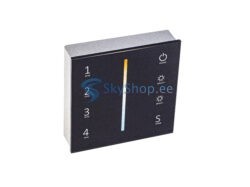
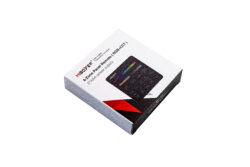
LED light control
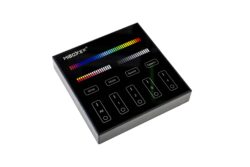
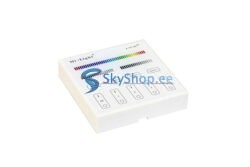
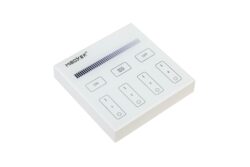
Smart Panel Remote Controller Mi Light / Miboxer 4 Zones RGB+CCT (RNS26)
35.90€ / pcs
-10%
LED light control
Original price was: 29.90€.26.90€Current price is: 26.90€. / pcs
-10%
LED light control
Original price was: 39.90€.35.90€Current price is: 35.90€. / pcs